
In the spring of 2024, residents of a 312-unit highrise in Toronto’s east end started reporting missing items.
Laptops. Jewellery. Cash. Small electronics.
In every case, no sign of forced entry. Doors undamaged. Nothing broken. Management initially assumed residents were misplacing things, or that the incidents were unrelated.
Eleven weeks later, police confirmed that 23 suites had been entered by the same individual. The building had been using 125kHz proximity fobs — a technology with no encryption, cloneable in under 10 seconds using a device available online for $35. The access control system had a full audit log. Nobody had ever looked at it. Not once.
Total loss: $187,000.
This is one of 12 incidents we’ve compiled in a new report on cybersecurity and physical security failures in Canadian residential condo buildings. Every incident is illustrative — built from the vulnerability patterns we identify regularly during technology audits across the GTA and beyond.
The incidents are fictional. The vulnerabilities behind them are not.
The Five Vulnerabilities That Keep Appearing
Across all 12 cases, the same root causes surface again and again. Not sophisticated attacks. Not zero-day exploits. The same basic infrastructure gaps, present in building after building, year after year.
1. No Network Segmentation
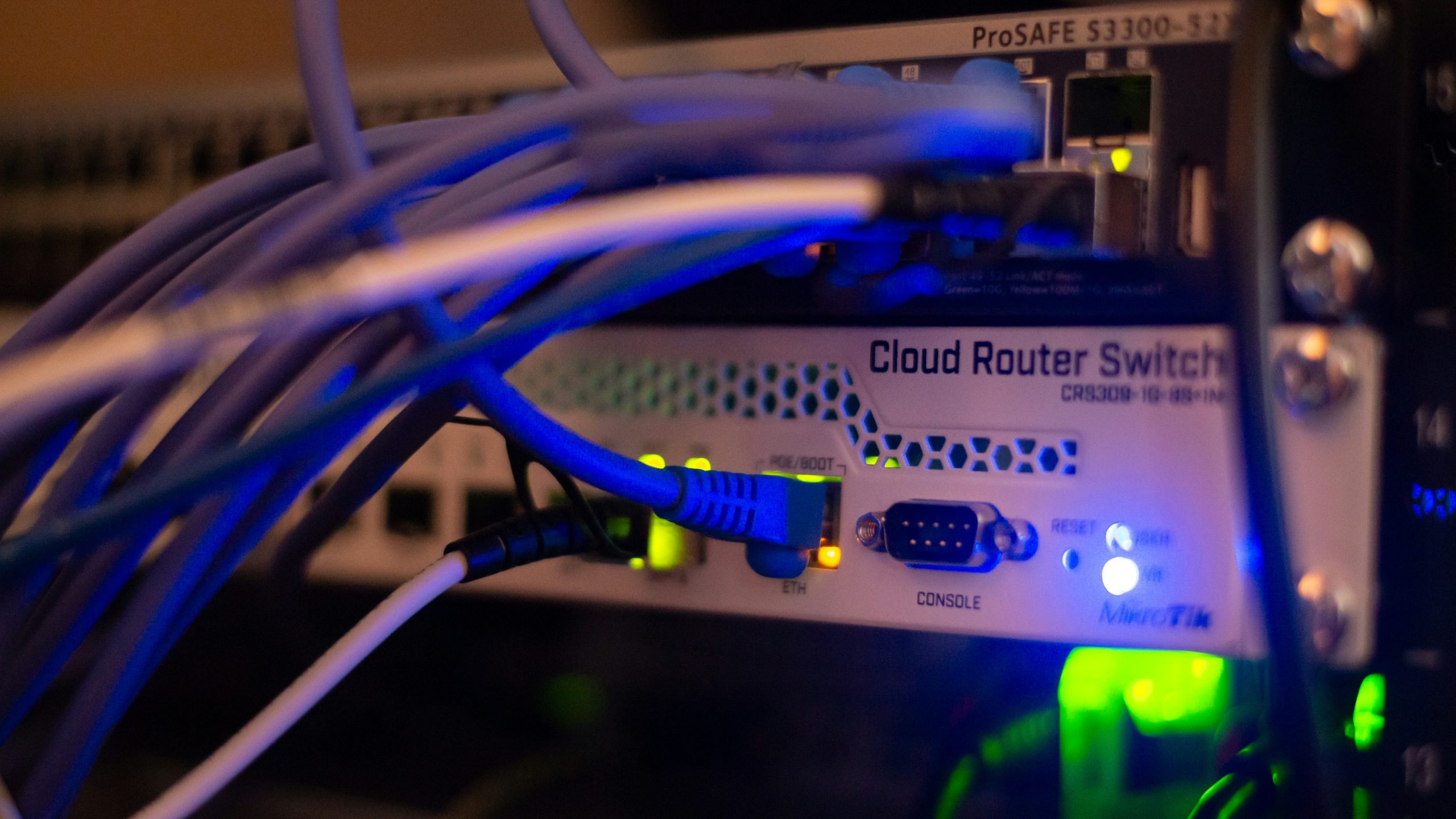
In most condo buildings we audit, every networked system in the building shares the same flat network. Cameras. Door controllers. The access control server. Office computers. Resident WiFi. The superintendent’s router. All of it on the same broadcast domain — meaning any device can reach any other device.
The consequences are severe. A malware-infected staff PC can reach door controllers. A hacked camera can scan the Condoplex server. A tenant who gets onto the building WiFi can access the NVR using its default password and delete recordings.
In one illustrative incident, a tenant in a Vancouver building discovered that the camera NVR was accessible from the resident WiFi network using the factory-default username and password. Over seven months, he periodically deleted footage covering his floor and the lobby during delivery windows. Police were left with 23 complete recording gaps across the period of investigation.
The fix — isolating cameras, access control, and office systems onto separate VLANs with firewall rules controlling what can talk to what — is a configuration change. It doesn’t require new hardware in most cases. It requires someone to look at the network and actually do it.
Nobody had.
2. Default Passwords That Were Never Changed
Factory-default credentials are the single most common finding in every audit we conduct. Switches. NVRs. Camera servers. Access control interfaces. IP cameras. Printers. Routers.
Installed. Never touched. Credentials publicly documented in manufacturer manuals available on Google.
In one case, a building’s camera NVR had been accessible from the public internet, port-forwarded to a static address, using the original installer password for over two years after the installing contractor’s contract ended. A former associate of that contractor used the access to monitor a resident’s movements in real time for four months. Lobby. Elevator bank. Parking entrance. Live feed. From their home.
The resident had an existing peace bond against this individual.
The Ontario Privacy Commissioner upheld the complaint against the building. The civil claim is ongoing.
Default passwords are not a technical problem. They are a process problem. Every system installed in a building should have its credentials changed on day one and audited annually. This does not require an IT background. It requires a checklist and someone responsible for following it.
3. Credentials That Outlive the People Who Held Them
When a superintendent is dismissed, their fob gets collected. Their unit gets vacated. Their name comes off the directory.
Nobody thinks about their TeamViewer session. Their email access. Their login to the access control server. Their remote desktop credentials.
In a Mississauga building, a dismissed superintendent had installed TeamViewer on the management office PC during their tenure — ostensibly for IT support. After termination, they retained the credentials. For 14 months they accessed the management PC remotely, reviewed vendor contacts and invoice workflows, and submitted $62,000 in fraudulent invoices under a shell company.
It was discovered by accident when a new property manager noticed a duplicate vendor name.
In a Vancouver building, a contractor whose engagement had ended following a payment dispute retained admin access to the access control server and the camera management system for eight months after their contract ended. In a single 40-minute remote session from a café in Burnaby, they wiped the entire access control database, every resident credential, every audit log, and deleted 90 days of camera recordings.
Recovery cost: $118,000. The building required a special assessment.
Both of these incidents would have been prevented by a single documented step: revoking all system credentials on the day an engagement ends. Not eventually. That day.
4. Failed Power Protection
UPS units fail silently. The battery degrades over years. The unit continues to appear functional, lights on, no alarm, while providing zero actual runtime under load.
In a Calgary building, the NVR lost power when its UPS failed without triggering any alert. The recording gap lasted six weeks. Nobody noticed. In that window, a theft ring operated in the underground parking garage on three nights per week, stripping catalytic converters and wiring harnesses from 41 vehicles.
When the insurance claim came in, the insurer partially denied it. The camera system had been non-operational for an extended period without management knowledge. The insurer characterised it as a failure to maintain adequate security infrastructure.
Consumer-grade UPS units, the kind typically found powering cameras, security desk workstations, and access control servers in condo buildings, are not rated for 24/7 continuous duty. They are designed for office environments with regular power cycles. In a building where critical systems run continuously, batteries typically need replacement every two to three years. Most have never been tested at all.
The standard we recommend: every UPS protecting a life-safety system should be load-tested annually and provide a minimum of 45 minutes runtime under full load. Any unit that fails that test gets replaced before the technician leaves the site.
5. Switching Loops and Unmanaged Infrastructure
Building networks accumulate over years. An access control vendor installs their equipment and connects it to whatever switch is nearby. A camera installer does the same. A new superintendent adds a switch in the Telco room because they needed more ports. Nobody maps the whole thing. Nobody checks for loops. Nobody replaces the unmanaged desktop switches with equipment that can actually be monitored and controlled.
By the time we audit a building, we typically find seven or more unmanaged switches scattered across electrical rooms, Telco rooms, and equipment closets, often with cables running between them in configurations that create circular network paths. In this state, a single broadcast packet can multiply endlessly, overwhelming every switch on the network simultaneously. This is called a broadcast storm. It takes seconds. It takes everything offline.
In two separate incidents in our report, a switching loop triggered a broadcast storm that took every camera and door lock in the building offline simultaneously.
In a Montreal building, the loop was triggered deliberately, someone inserted a patch cable into an unlocked electrical room, creating the loop intentionally. Eight suites were entered during the four-hour outage. Three residents were present.
In a Hamilton building, the loop had been there for months, causing intermittent partial outages that management attributed to the ISP and never properly investigated. One Friday night it triggered a full storm. Seven minutes into the outage, a resident was assaulted in a third-floor corridor. The building’s own camera system captured nothing. The corporation was named in a negligence claim. The matter is ongoing.
A managed switch with Spanning Tree Protocol enabled eliminates this attack vector entirely. It is not an exotic solution. It is standard networking infrastructure. It costs more than an unmanaged desktop switch. It is also the difference between a network that fails safely and one that can be taken offline by a $30 patch cable.
What This Means for Property Managers and Board Members
None of the incidents in this report required sophisticated attackers. None involved nation-state threats, advanced persistent attacks, or complex exploits.
Every single one was enabled by basic infrastructure that nobody had looked at, sometimes since original installation.
That is the pattern we see in GTA condo buildings every week. Not negligence. Invisibility. Each vendor installs their piece and leaves. Nobody audits the whole. Nobody tests whether the UPS actually works. Nobody checks whether the camera VLAN is actually isolated. Nobody verifies that the contractor who left eight months ago no longer has system access.
The exposure has usually been there for years by the time someone looks.
There are three things worth understanding as a property manager or board member:
First, this is a governance issue as much as a technical one. The incidents in this report didn’t happen because the technology failed. They happened because nobody was responsible for checking it. A board that commissions a technology audit has a documented record of due diligence. A board that doesn’t, and something goes wrong, is in a much harder position when an insurer or a plaintiff’s lawyer starts asking what management knew and when.
Second, most of the fixes are not expensive. Changing default passwords costs nothing. Revoking credentials on the day a contract ends costs nothing. Configuring a screen lock timeout costs nothing. The infrastructure upgrades, managed switches, proper UPS units, VLAN segmentation, have real costs, but they are costs that can be planned, budgeted, and phased. The first step is knowing what you’re dealing with.
Third, the free scan offer below is genuinely free. We’re not going to find nothing and tell you everything is fine. In eight years of auditing GTA condo buildings we have never left a site without findings. But if for some reason your building is the exception, we will tell you that clearly and you’ll have a documented baseline to point to. There is no catch.
The Full Report
We’ve compiled all 12 incidents into a single document, each one with a complete narrative, the specific vulnerabilities exploited, and the lessons that apply directly to property managers and board members.
It covers incidents involving:
- A coordinated fob cloning ring operating across 23 suites for 11 weeks
- A tenant accessing and deleting camera recordings from their unit for seven months
- A stalker monitoring a resident’s movements using the building’s own live camera feeds
- A former superintendent committing $62,000 in fraud via retained remote access
- A management office walk-in harvesting personal data from 180 residents in 12 minutes
- A broadcast storm assault where network failure disabled every security system simultaneously
- A former contractor wiping an entire access control database remotely, eight months after their contract ended
The report is free. No obligation.
If you manage or govern a condo building in the GTA, or anywhere in Canada, it’s 20 minutes well spent.
Download the Full Report — Free → WHEN THE NETWORK BECOMES THE VULNERABILITY
Find Out Where Your Building Stands
We offer a free 30-minute network vulnerability scan for condo properties in the GTA.
You’ll receive a one-page findings summary at no cost and no obligation. If we find nothing significant, we’ll tell you that clearly. If we find what we usually find, you’ll have a concrete picture of your exposure and a starting point for addressing it.
Book Your Free Vulnerability Scan
Or call us directly: 1-647 367 2277
Mycondolink conducts comprehensive technology and physical security audits for condominium and multi-residential properties across the Greater Toronto Area. Our audits cover network infrastructure, physical credential security, camera systems, access control, power resilience, and physical security procedures. All incidents referenced in this article are illustrative and based on common vulnerability patterns identified during Mycondolink technology audits. They are not descriptions of actual events at specific buildings.